
Playtesting Repetition Tools
Solo Level Design Process and Skills Practice Challenge
Roles: Tools Programmer, Technical Designer, UI Designer.
Tools: Unity, Microsoft Visual Studios.
Skills: Tools Programming, C#, Debugging, UI Wireframing, Technical UI Design, Rapid Prototyping, Game Testing
Genre: Demonstrated with a First Person Shooter
Target Audience: Level Designers, Encounter Designers, Systems Designers, User Researchers.
Playback Interface
The Playback Interface is a Tool I developed for Unity 6 to help designers be able to recreate scenarios of gameplay quickly to test design ideas in the editor while they work. Inspired by Save State systems common in video game emulators, this tool allows designers to save moments of gameplay while they play, and reload them instantly to replay gameplay scenarios. Below, you can see my development process for building this Tool.

Project Planning
Ideation:
I developed this project as part of a Technical Design class while studying at DigiPen Institute of Technology.
This specific project was focused on using Unity 6's UI Toolkit as part of the development pipeline for editor tools in place of legacy pipelines built with IMGUI.
Initial Planning:
As a Game Designer, I understand all too well the value of rapid testing and iteration. But it can often become time consuming to repeatedly test features, specific encounters, or other moments of content when the set up to create or recreate scenarios can take several minutes each time.
I wanted to create a tool to help speed this up.

What the Playback interface is
-
Inspired by Save State systems seen often in emulators, I designed this tool to allow designers to create save states which they can load while they play in editor or development builds.
-
This would be an interface which will display over top of the screen, and is toggled on and off with a hot key. Toggling it on would also pause the game, and free the mouse to interact with the UI.
My Planning Process
-
I got started by breaking down the key elements of the idea, like saving, loading, and the togglable UI interface. I developed these ideas into a feature list and the designed a UI wireframe.
-
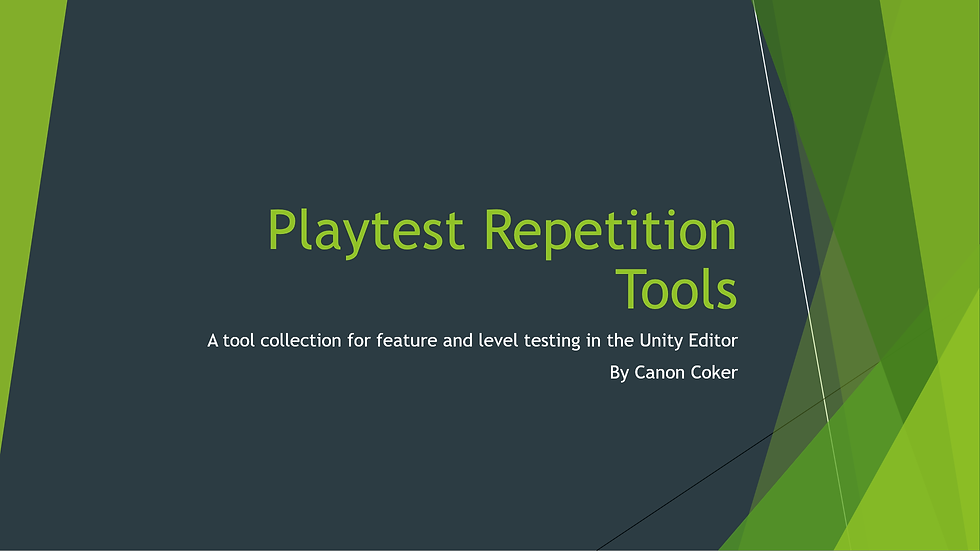
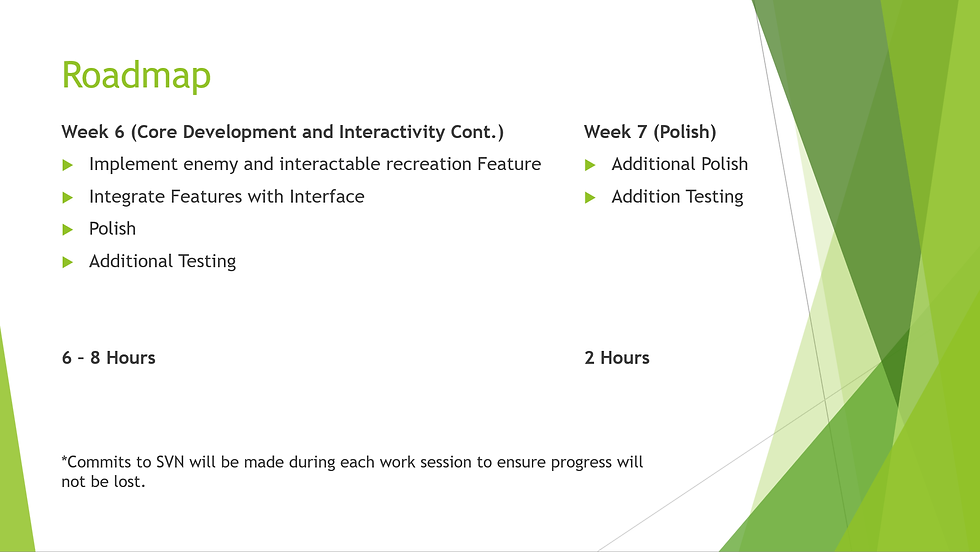
With these elements in mind, I then prepared a pitch deck with the tool (which you can see above) that breaks down the idea, it's purpose, how it will work, and how I would develop it.
Key Features
-
Save and Load States during live gameplay (Player Location, Health, Enemy Locations, Environment Props, etc...).
-
Separately or collectively reset game elements (Enemy Locations, Environment Props).
-
Override Player Health to values it wouldn't normally be or make the Player Invulnerable.
Development
Working with UI Toolkit:
UI Toolkit lifts much of the needs of what used to only be possible in C#, and enables technical designers to build interfaces for other developers in a similar way to how a UI designer might put together menus or HUD's.
Developing the Features:
While UI Toolkit handles the visual elements, the core features still need to be written in C#. I a probably I ran into with this workflow as getting the interface I designed to read my inputs I was making a runtime, so that the functionality of my code could run.
What I learned was that UI Toolkit can behave in multiple ways depending on if your UI is meant to function as a tool window for work in the editor, or more like I have in my project, functionally as a UI menu to create a screen overlay that can detect input at runtime without needing to leave the viewport.

Final Tool
Learning Outcomes:
-
My main goals going into this project were to learn about using both Unity's new UI Toolkit and to get my hands dirty for the first time with runtime tooling. I felt like this little experiment paid off in both of those regards.
-
I would say the biggest lessons I got out of going through setting up this tool (with this small set of first person shooter elements which I made) was:
-
That in order to do a larger scale piece like this, it will need to both be project specific (meaning it wouldn't suit well to being a plugin that can adapt to any project)
-
and that because of that, it would really need to be considered from early on in a project so the core architecture could be built to support it.
-
Thoughts for the Future:
-
Runtime tooling is super helpful for creating quick access to debug features, and in ways much cleaner than hard coded debug keys or debug log information.
-
These core practices can easily be adapted to any engine (not just Unity), and I have since done so frequently, particularly in Unreal Engine 5.
-
For this specific tool, there's a great deal of room for expansion as well to meet the needs of unique projects, and to add more use cases directly to core the core system, such as additional save states, and timeline scrubbing. I look forward to realizing expansions of this idea on various projects in the future!